Well-kept homes across Nairobi and beyond
Browse available apartments, book a viewing and apply online. Pay rent by M-Pesa and manage everything from your phone.
Available now
Updated live from our property records.
 Bedsitter
1 Bedroom
Bedsitter
1 Bedroom 2 Bedroom
 Shop
ShopOur properties
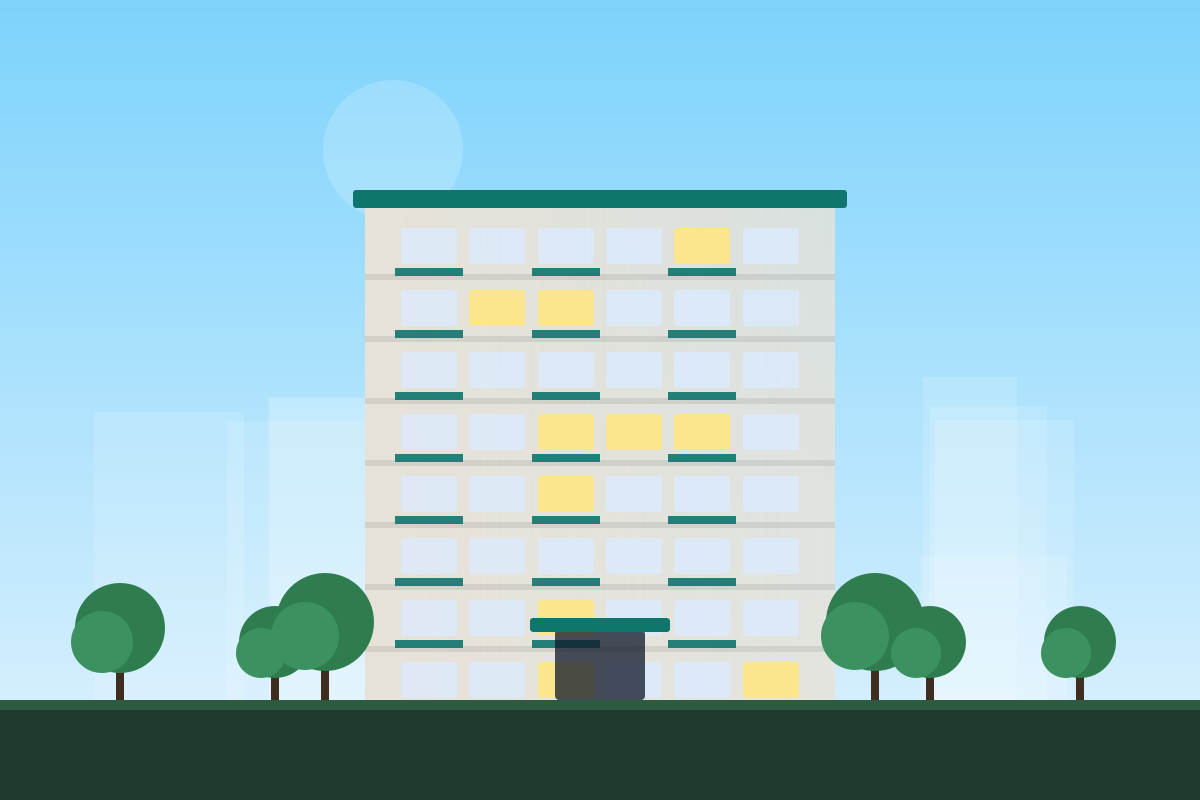
A quiet eight-floor block off Lenana Road, a short walk from Yaya Centre. One and two-bedroom apartments with balconies, fitted kitchens and borehole water, a lift, backup generator and 24-hour manned security.
Affordable bedsitters and one-bedroom units five minutes from Two Rivers Mall. Metered water, prepaid electricity tokens, secure parking and a caretaker living on site.
Family two and three-bedroom maisonette-style apartments near the SGR terminus. Each unit has a master en-suite, a DSQ on the three-bedroom units, and two parking bays.
Ground-floor retail and upper-floor office suites on Mpaka Road with visitor parking, lifts, backup power and a manned reception.
Living here is simple
Pay rent by M-Pesa
Tap Pay rent in the tenant app and confirm with your PIN. Your receipt arrives by SMS.
Repairs you can track
Report a problem with a photo and follow it until you confirm the fix.
Visitor passes
Send your guests a QR pass. The gate lets them in without calling you.
Keyless entry
Open your door with a card, fingerprint, PIN or your phone.
"I report a problem with a photo and see when the plumber is coming. My tap was fixed the next morning."
"I get my statement and payout on the same day every month and can check arrears on my phone any time."
"Paying rent by M-Pesa with an instant receipt saves our accounts team a trip every month."
Questions
How do I pay rent?
From your tenant portal tap Pay rent to receive an M-Pesa prompt, or pay the till number on your invoice from the M-Pesa menu. Your receipt arrives by SMS.
How much deposit do I pay?
Usually one month's rent, shown on each listing. The deposit is refunded after move-out, less any unpaid charges or damage recorded at the move-out inspection.
How do I report a repair?
In the portal, open Maintenance and create a request with a photo. You will get updates as a technician is assigned and the work is done, and you confirm the repair when it is complete.
Can I book a viewing?
Yes. Open any listing and choose Book a viewing. Our team will call to confirm a time.